
SaaS-Zahlungen
Was sind SaaS Checkout Links?
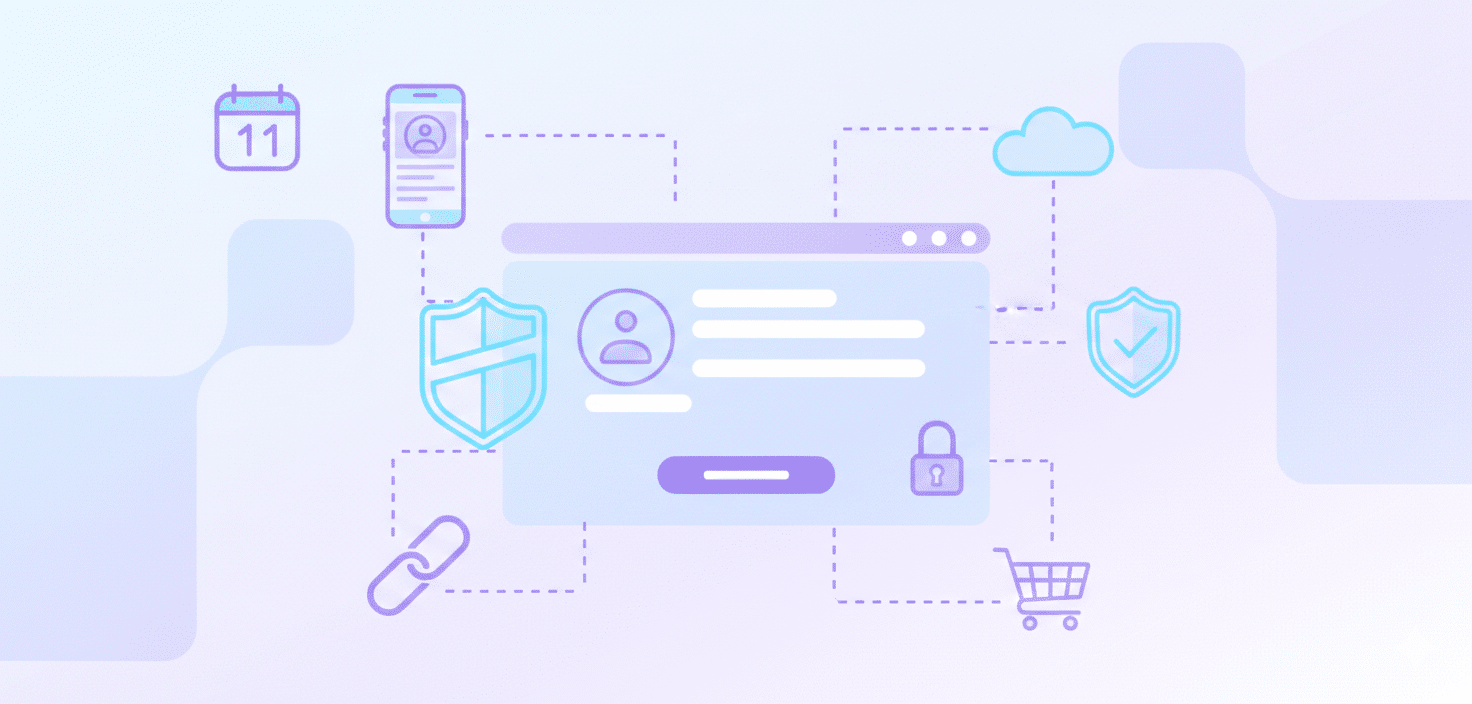
Was sind SaaS Checkout Links?
SaaS-Checkout-Links sind URLs, die erstellt werden, um SaaS-Kunden auf eine Seite zu leiten, auf der sie einen Produkt- oder Abonnementkauf mit nur wenigen Klicks abschließen können.
Diese Vorgehensweise steht in Korrelation mit der Dauer des Kaufprozesses.
SaaS-Unternehmen können diese Links über verschiedene Kanäle teilen. Wichtig: SaaS-Unternehmen müssen sowohl die Konfigurationsgenauigkeit als auch die Sicherheit dieser Links gewährleisten, um Fehler oder Betrug zu vermeiden. Daher ist die Zusammenarbeit mit einer vertrauenswürdigen Zahlungslösung ein zu berücksichtigender Aspekt.
Was sind Zahlungslinks?
Ein Zahlungslink ist eine funktionale URL, die Benutzer zu einer Zahlungsseite führt, auf der sie die Transaktion für ein Online-Produkt oder eine Dienstleistung abschließen können. Im Allgemeinen sind SaaS-Checkout-Links für Abonnements und digitale Produkte konzipiert, während Zahlungslinks nützlich sind für einmalige Zahlungen, Rechnungsstellung oder das Sammeln von Spenden.
Sie bieten Flexibilität für Unternehmen, die Zahlungen akzeptieren möchten, ohne ein vollständiges E-Commerce-Setup zu unterhalten, und sollten immer über eine vertrauenswürdige Zahlungsplattform generiert werden, um Finanzdaten zu schützen.
Wer verwendet typischerweise SaaS-Checkout-Links?
SaaS-Checkout-Links werden häufig von Unternehmen verwendet, die abonnementbasierte Dienste oder digitale Produkte verkaufen. Typische Nutzer sind:
- SaaS-Unternehmen
- Online-Kursanbieter
- Mitgliedschafts-Websites
- Digitale Content-Ersteller, die Software oder herunterladbare Produkte anbieten.
Die Option, SaaS-Checkout-Links zu nutzen, könnte von Unternehmen in Betracht gezogen werden, die Online-Zahlungen einziehen müssen, aber keine vollständige E-Commerce-Plattform erstellen möchten.
Welche Vor- und Nachteile hat die Verwendung von SaaS-Checkout-Links für mein Unternehmen und meine Kunden?
SaaS-Checkout-Links bieten sowohl Unternehmen als auch Kunden klare Vorteile, indem sie das Zahlungserlebnis vereinfachen.
Für Unternehmen:
- Das Teilen vorausgefüllter Checkout-Seiten mit Kunden kann den Aufwand zur Zahlungseintreibung beeinflussen. Dies steht im Zusammenhang mit der manuellen Rechnungsstellung, könnte zu weniger Fehlern und zu verkürzten Zahlungszyklen führen, und die Auswirkung auf den Cashflow bedarf einer weiteren Untersuchung.
- Generierte Daten können von Unternehmen analysiert werden, um Einblicke in das Kundenverhalten zu gewinnen und Anpassungen an Vertriebsstrategien zu ermöglichen.
Für Kunden:
- Sie ermöglichen den Abschluss von Käufen, die potenziell komplexe Websites oder umfangreiche Formulare umgehen.
- Die Unterstützung mehrerer Zahlungsmethoden in vielen Links kann die Kundenflexibilität und die wahrgenommene Sicherheit von Transaktionen beeinflussen.
Allerdings gibt es potenzielle Nachteile:
- Die Nutzung von SaaS Checkout Links bedeutet oft eine Abhängigkeit von einem Drittanbieter, was bei Ausfällen oder Sicherheitsproblemen seitens des Anbieters zu Risiken führen kann.
- Die Personalisierungsoptionen an der Kasse können eingeschränkt sein. Transaktionsgebühren können den Gewinn von Unternehmen mit hohem Transaktionsvolumen beeinträchtigen. SaaS-Unternehmen sollten nur mit Zahlungsanbietern zusammenarbeiten, die den Datenschutzbestimmungen wie DSGVO und PCI DSS entsprechen.
Wann sollte ein Unternehmen ein Upgrade von SaaS-Checkout-Links auf ein fortschrittlicheres Checkout-System in Betracht ziehen?
SaaS-Checkout-Links bieten eine einfache Zahlungslösung für Start-ups und Kleinunternehmen, wobei die Eignung variieren kann.
Mit dem Wachstum des Unternehmens können anspruchsvollere Anforderungen entstehen. Ein Upgrade ist erforderlich, wenn Sie Folgendes benötigen:
- Abonnements hinzufügen oder verwalten
- tiefere Analysen erhalten
- mit anderen Anwendungen integrieren (wie einem CRM oder Buchhaltungssoftware)
Wenn sich manuelle Arbeit anhäuft oder die operative Komplexität zunimmt, kann es notwendig sein, auf ein fortschrittlicheres Kaufabwicklung.
Was sind die genauen Schritte, um einen SaaS-Checkout-Link für mein Unternehmen zu erstellen und zu teilen?
Dies sind die Schritte zur Entwicklung eines SaaS-Kaufabwicklungslinks:
- Melden Sie sich zuerst im Dashboard der SaaS-Plattform an und navigieren Sie zum Bereich „Kaufabwicklungslinks“ oder „Zahlungslinks“.
- Erstellen Sie einen neuen Link, indem Sie das Produkt oder die Dienstleistung auswählen, die Preise festlegen und Details wie kostenlose Testphasen, Rabatte oder wiederkehrende Abrechnungen bearbeiten.
- Danach können Sie Einstellungen wie die Weiterleitungs-URL nach der Zahlung anpassen, den Link generieren und ihn mit Kunden teilen.
Bevor Sie den Link umfassend veröffentlichen, ist es besser, ihn mit einigen tatsächlichen Transaktionen zu testen.
Wie wirken sich Zahlungen, die über Checkout-Links getätigt werden, auf meine Abonnements und Kundendaten aus?
Bei der Verwendung von Checkout Links, um Zahlungen abzuwickeln, werden neue Transaktionen erstellt, anstatt bestehende Abonnements zu bearbeiten.
Dies kann zu mehreren Datensätzen führen, die nicht mit dem Abonnementprofil des Kunden verknüpft sind.
Um widersprüchliche Informationen und Abrechnungsfehler zu vermeiden, sollten SaaS-Unternehmen dedizierte Abonnementverwaltungsprozesse Um binden und ausbauen ihren Kundenstamm, anstatt sich ausschließlich auf Checkout-Links zur Zahlungserfassung zu verlassen.
Schlussfolgerung
SaaS-Checkout-Links ermöglichen es Unternehmen, insbesondere abonnementbasierten, Online-Zahlungen abzuwickeln. Dazu gehören Faktoren wie vereinfachte Transaktionen und potenzielle Auswirkungen auf den Cashflow.
Das Verständnis der Eigenschaften von SaaS-Checkout-Links, einschließlich ihrer Vor- und Nachteile, kann Geschäftsentscheidungen bezüglich der Zahlungsprozesse beeinflussen und sich potenziell auf Wachstum und Kundenzufriedenheit auswirken.
Bereit anzufangen?


 Deutsch
  English
  Español
  Português
  Português do Brasil
  Français
  Italiano
  Nederlands
  Polski
  Română
  Українська
  简体中文
简体中文  日本語
日本語  한국어
한국어