
SaaS Payments
What are SaaS Checkout Links?
What are SaaS Checkout Links?
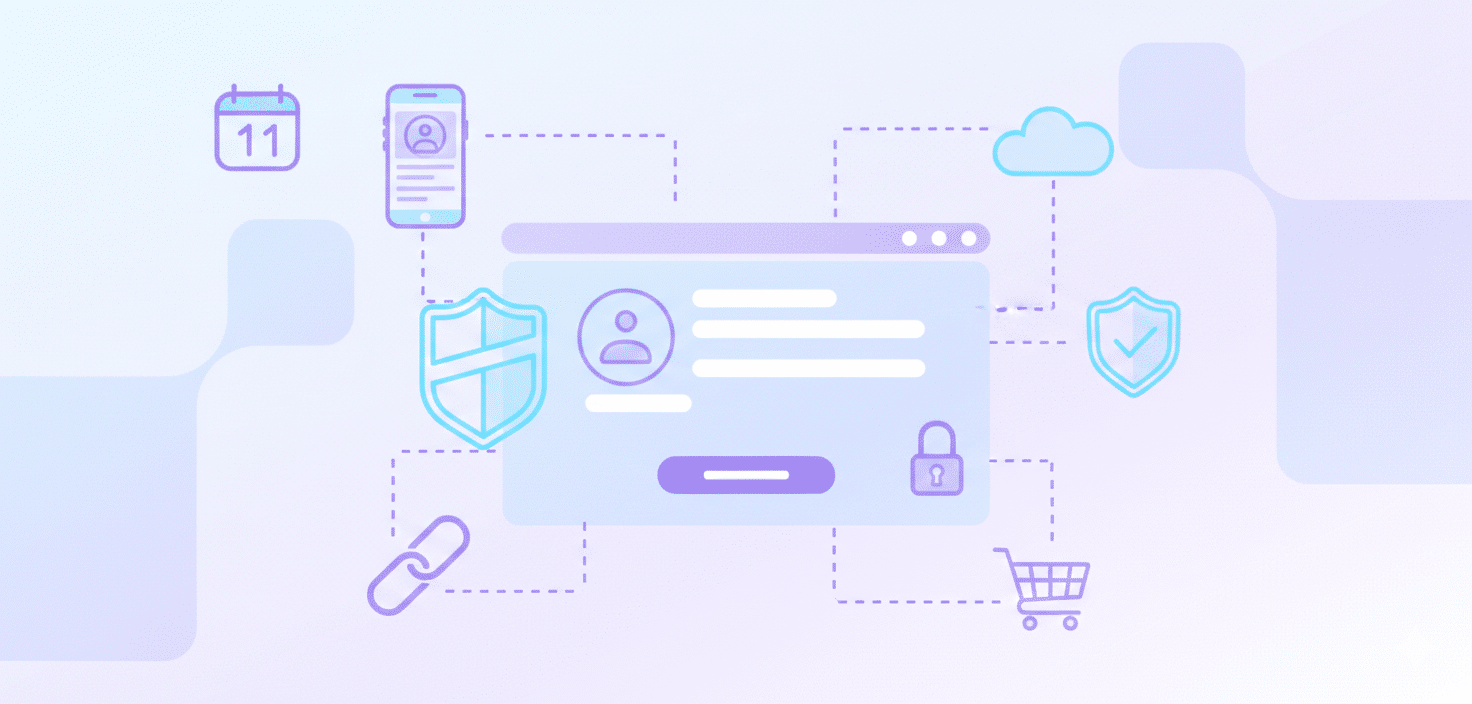
SaaS Checkout Links are URLs created to direct SaaS customers to a page where they can complete a product or subscription purchase in just a few clicks.
This practice has a correlation with the duration of the purchasing process.
SaaS companies can share these links across various channels.Keep In Mind: SaaS companies need to ensure both configuration accuracy and security of these links to avoid errors or fraud. Thus, working with a trusted payment solution is an aspect to consider.
What are payment links?
A payment link is a functional URL that leads users to a payment page where they can complete the transaction for an online product or service.In general, SaaS Checkout Links are designed for subscriptions and digital products, while payment links are useful for one-time payments, invoicing, or collecting donations.
They provide flexibility for businesses that want to accept payments without maintaining a full e-commerce setup, and should always be generated through a trusted payment platform to protect financial data.
Who typically uses SaaS Checkout Links?
SaaS Checkout Links are commonly used by businesses selling subscription-based services or digital products. Typical users include:
- SaaS companies
- online course providers
- membership sites
- digital content creators offering software or downloadable products.
The option to utilize SaaS Checkout Links could be considered by businesses that need to gather online payments, but do not want to create a full e-commerce platform.
What are the advantages and disadvantages of using SaaS Checkout Links for my business and my customers?
SaaS Checkout Links offer clear advantages for both businesses and customers by simplifying the payment experience.
For businesses:
- Sharing pre-filled checkout pages with customers can influence the amount of effort needed to collect payments. This relates to manual invoice creation, might lead to fewer errors, and may result in shortened payment cycles, and the effect on cash flow requires further examination.
- Data generated may be analyzed by businesses to provide insights on customer behavior and inform refinements to sales strategies.
For customers:
- They represent a way to finalize purchases that bypasses potentially complex websites or extensive forms.
- Support for multiple payment methods in many links can affect customer flexibility and the perceived security of transactions..
However, there are potential drawbacks:
- Using SaaS Checkout Links often means relying on a third-party provider, which can introduce dependencies and risks if the provider experiences outages or security issues.
- Personalization checkout options can be limited. Transaction fees can impact profit for high-volume companies. SaaS businesses should only consider partnering with payment solutions that comply with data privacy regulations such as GDPR and PCI DSS.
When should a business consider upgrading from SaaS Checkout Links to a more advanced checkout system?
SaaS Checkout Links offer a simple payment solution for startups and small businesses, although suitability may vary.
As the business grows, more sophisticated requirements might arise. An upgrade is needed if you need to:
- add or manage subscriptions
- obtain deeper analytics
- integrate with other applications (like a CRM or accounting)
If manual work is piling up or operational complexity is increasing, it may be necessary to upgrade to a more advanced checkout.
What are the exact steps to create and share a SaaS Checkout Link for my business?
Here are the steps involved in the process of developing a SaaS checkout link:
- Start by logging in to the SaaS platform’s dashboard and going to the Checkout Links or Payment Links section.
- Create a new link by selecting the product or service, setting the pricing, and editing details like free trials, discounts, or recurring billing.
- After that, you can customize settings like the post-payment redirect URL, generate the link, and share it with customers.
Before launching the link widely, it is better to test it with a few actual transactions.
How do payments made through Checkout Links affect my subscriptions and customer records?
When using Checkout Links to process payments, new transactions are created instead of editing existing subscriptions.
This can result in multiple records that are not linked to the customer’s subscription profile.
To avoid contradictory information and billing errors, SaaS businesses should use dedicated subscription management processes to retain and grow their customer base, rather than relying solely on Checkout Links to collect payments.
Conclusion
SaaS Checkout Links enable businesses, particularly subscription-based ones, to process online payments. These include factors such as simplified transactions and potential effects on cash flow.
Understanding the characteristics of SaaS Checkout Links, including their advantages and disadvantages, can inform business decisions regarding payment processes and potentially influence growth and customer satisfaction.
Ready to get started?


 English
  Español
  Português
  Português do Brasil
  Français
  Italiano
  Deutsch
  Nederlands
  Polski
  Română
  Українська
  简体中文
简体中文  日本語
日本語  한국어
한국어