
Cloud Migration
What is SaaS Cloud Migration?
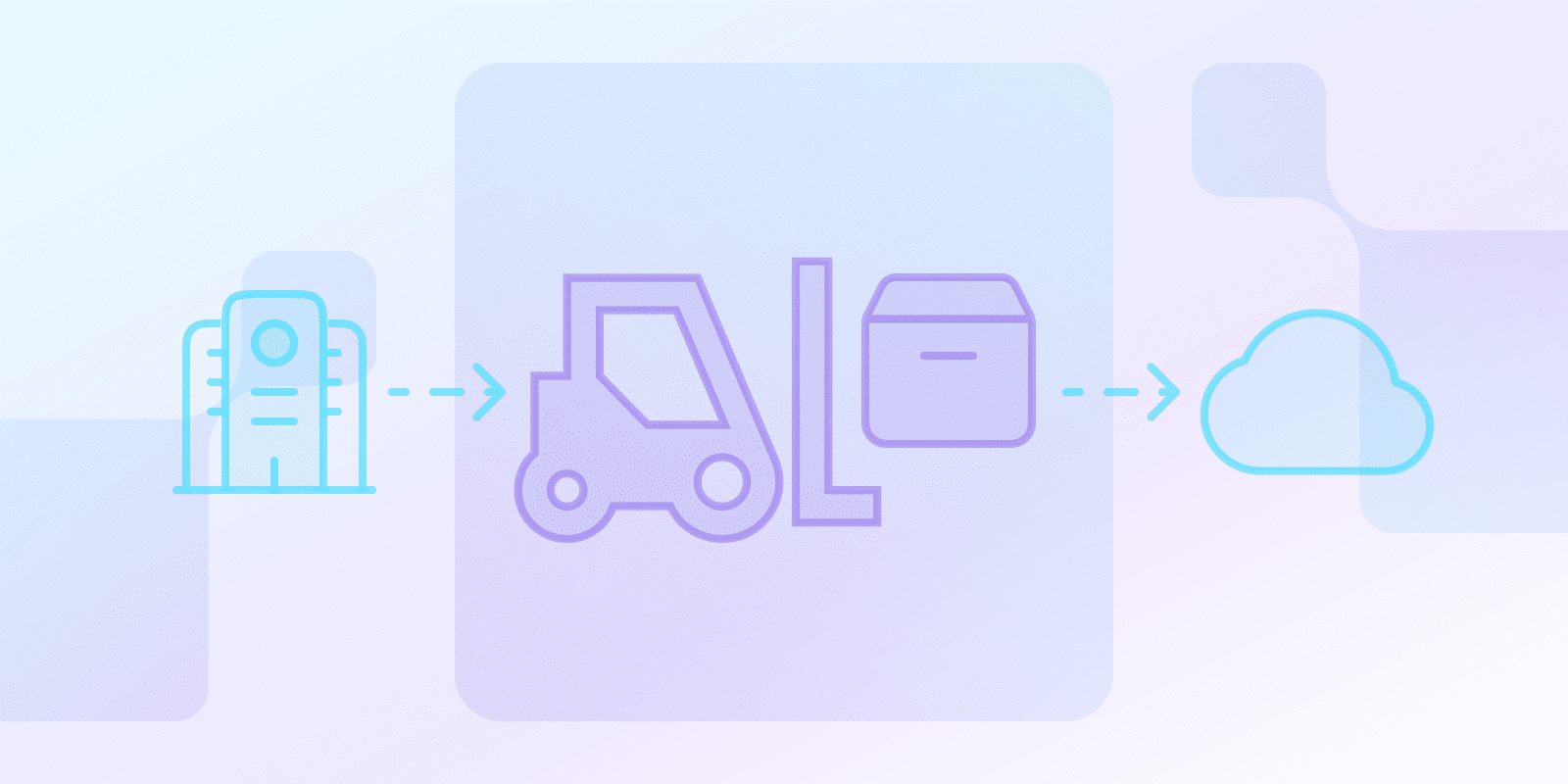
What is SaaS Cloud Migration?
SaaS cloud migration is the process of moving your software applications from an on-premises infrastructure to a cloud-based Software-as-a-Service (SaaS) platform.
This means instead of hosting and managing your software yourself, a third-party provider handles everything, delivering the software to you over the internet.
Why Migrate to SaaS?
Businesses migrate to software as a service (SaaS) for varying reasons. Normally, companies do it when they want to adjust their resources and assign other tasks to their IT teams. Here are some of the main factors that influence a migration to SaaS:
- Costs: Businesses may look to cloud migration for cost purposes; on-premises are typically more expensive.
- Scalability: Cloud services move resources based on real-time demands.
- Accessibility: Companies often migrate to SaaS clouds when their employees work from places other than the office. Whereas you can only use on-premises infrastructure on-site, clouds are remote.
- Updates: Consider migrating to a cloud service if you and your IT team need automatic updates.
- Collaboration: If you have team members across multiple locations, consider a cloud migration.
What Are the 4 Approaches for Cloud Migration?
The typical cloud migration process goes like this:
- Lift and Shift: Also known as rehosting. Here, you move applications from on-premises to the cloud but don’t change much.
- Refactoring: Also referred to as replatforming. Here, you tweak apps slightly based on their cloud setting.
- Rebuild/Re-architecting: Here, you redesign apps for the cloud.
- Replacing/Repurchasing: In this approach, you switch entirely over to cloud-based SaaS apps.
These four are the most common of the seven migration strategies (the “7 Rs”); the other three are relocate, retain, and retire.
| Migration Approach | Description | Key Characteristics |
|---|---|---|
| Migration Strategies | ||
| Lift and Shift | Rehosting applications directly to the cloud | Minimal changes, quickest migration method |
| Refactoring | Slight modifications to apps for cloud compatibility | Moderate optimization, some performance improvements |
| Advanced Approaches | ||
| Rebuild/Re-architecting | Complete redesign of applications for cloud environment | Maximum cloud-native optimization, significant resource investment |
| Replacing/Repurchasing | Switching to entirely new cloud-based SaaS applications | Complete transformation, potentially least disruptive long-term |
What Are the Challenges of SaaS Migration?
The main challenges of a SaaS migration are security, vendor lock-in, integration, customization, and data transfer:
- Security: Focus on encrypting your data and keeping it within the cloud.
- Vendor Lock-In: Look at what vendors offer in significant detail before signing an agreement.
- Integration: Your SaaS applications need to still work within your systems.
- Customization: Consider whether you need the flexibility of on-premises software.
- Migration: Carefully plan your data transfers.
What are the Best Practices for a Successful SaaS Migration?
Migration is done in this order: assess what you have and your dependencies, plan the approach and timetable, execute and test on a pilot, and finally cut over and monitor. Along the way, you must take into account all of these points:
- Goal-Setting: Think about why you want to migrate in the first place.
- Provider: Research the different SaaS providers and think about your objectives.
- Planning: Set realistic timelines and outline each step of the migration strategy.
- Security: Make sure that your data is secure throughout the process.
- Testing: Test your SaaS applications before completing the migration and make tweaks where needed.
- Training: Train your team on how to use the new cloud.
- Monitoring: Look at your cloud and identify where you may need to make alterations.
Conclusion
Cloud migration is common across industries for many reasons, but it’s important to understand the full picture before committing. Think about your business’s needs and how important costs, flexibility, and updates are to you. When planning a migration, consider your resources and rigorously plan the entire process.
Ready to get started?


 English
 Español
 Português
 Português do Brasil
 Français
 Italiano
 Deutsch
 Nederlands
 Polski
 Română
 Українська
 简体中文
 日本語
 한국어