
SaaS Payments
What is an In-App Checkout?
What is an In-App Checkout?
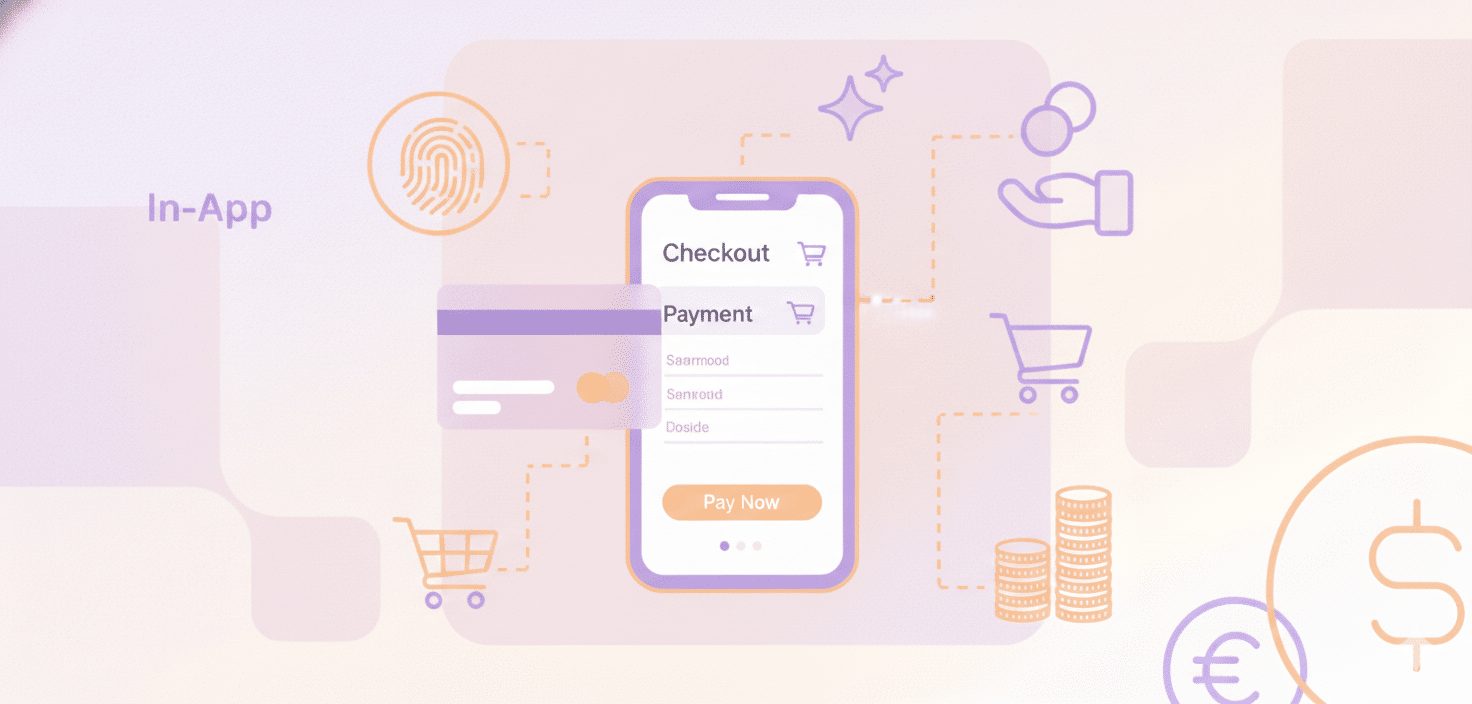
An in-app checkout is the payment step for purchasing digital goods and services within a mobile application. This feature allows users to enter their payment information in a separate in-app interface provided by companies like PayPro Global or Google Play’s billing.
This feature relates to the customer buying process by offering security and tax collection options for the transaction. In-app checkouts allow users to complete purchases within the application, which may influence conversion rate metrics.
How does the SaaS in-app checkout work?
The process unfolds in the following manner:
- The user selects a product or service available in the app.
- After that, the user enters their payment details, which may include being redirected to an external secure website hosted by a payment processor.
- Once the payment is successful, the app provides an order confirmation.
Consider optimizing the checkout for mobile devices and avoiding hidden costs or last-minute surprises to improve the chances of completing the sale and earn the trust of customers.
What are the benefits of the SaaS In-App Checkout for businesses?
In a nutshell, In-app purchasing has various advantages, among them:
- potentially higher conversion rates
- increased customer satisfaction
- enhanced efficiency in operations.
SaaS in-app checkouts can streamline the shopping experience with features like one-click purchasing, potentially affecting cart abandonment rates. In-app purchasing can also impact user engagement, loyalty, and brand strength, which in turn gives the business customer data.
When using SaaS in-app checkouts, SaaS companies should focus on the experience, specifically the convenience of the actual checkout.
What are the limitations of the SaaS in-app checkout?
SaaS in-app checkout incorporates aspects of convenience and can affect conversion rates, alongside certain associated considerations:
- High commission fees charged by native systems for in-app purchases can impact profitability, and Apple’s Guideline 3.1.1 requires in-app purchases to unlock features or functionality within an App Store app, with exceptions.
- Challenges in user experience design can correspond to specific conversion rate figures.
How can I optimize the SaaS in-app checkout process to improve conversions?
Three steps can help optimize the SaaS in-app checkout process, as part of the wider checkout optimization process:
- The first step is to simplify the checkout process by removing extra steps and pages.
- Then, use simple design elements like big buttons and clear visual progress to guide users through the process.
- Finally, incorporate digital wallets for fast payments and ensure that your checkout is fast, responsive, and easy to use.
A one-page checkout, incorporating features such as autofill and an accordion menu, may influence users’ focus on key information.
It is necessary to test and evaluate the checkout process regularly based on customer feedback and behavior, and then make the necessary changes to enhance it.
Conclusion
The SaaS in-app checkout could influence the customer experience and may relate to conversion rates. Considerations related to the purchase include the possible extension of the completion timeline, the implementation of extra steps, and restrictions concerning regional access. However, these issues can be addressed through the introduction of simplicity, clear design, and digital wallets, which can improve the results.
Ready to get started?


 English
 Español
 Português
 Português do Brasil
 Français
 Italiano
 Deutsch
 Nederlands
 Polski
 Română
 Українська
 简体中文
 日本語
 한국어