
SaaS Ecosystems
What Is SaaS Account Hierarchy?
What Is SaaS Account Hierarchy?
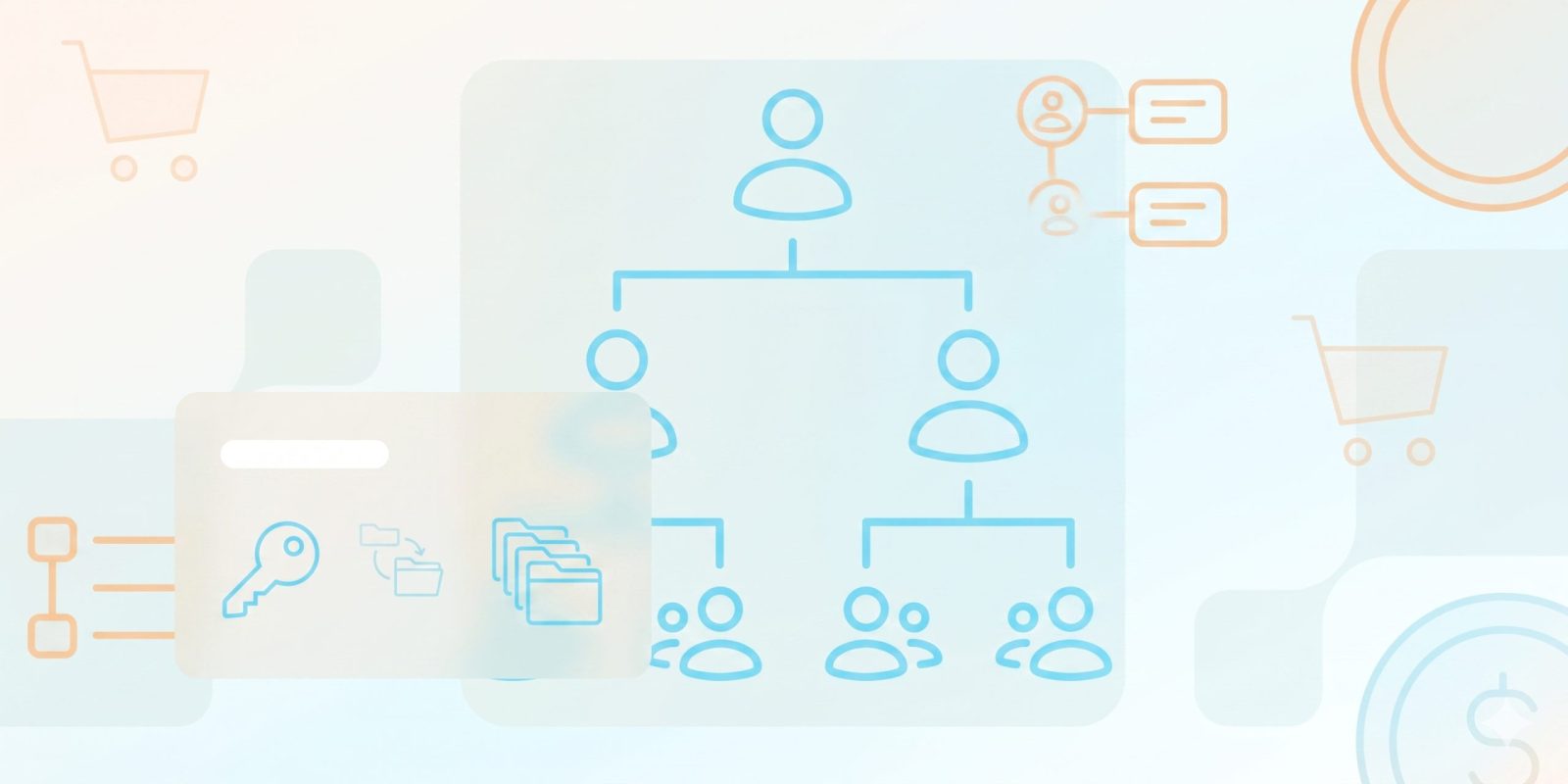
SaaS account hierarchy is a multi-level data model that connects a parent account to child accounts in subsidiaries, branches, or departments. Software companies can manage complex enterprise organizations employing a central structure through parent-child relationships, rather than operating independently.
A functional hierarchy is often present in B2B SaaS companies transitioning to higher market segments. A function could involve maintaining data organization as clients grow to mitigate disorganized records and offer a centralized view of customer interactions.
What are the benefits of an Account Hierarchy for billing, sales, and customer success?
A defined hierarchy can influence the operations of billing, sales, and customer success teams by illustrating the relationships between entities.
- Billing Efficiency: The company can choose between a single bill for the entire company or separate bills for each local branch due to billing efficiency measures.
- Sales Strategy: Sales teams can identify potential expansion opportunities by determining which subsidiaries of a global parent company are not currently using the product.
- Customer Success: Success managers can monitor the overall “health” of an enterprise by identifying child accounts that may pose a risk to the total contract value.
- Reporting Accuracy: Consolidating data prevents double-counting of leads and ensures that executive dashboards portray the true scale of a partnership.
Which SaaS metrics roll up across an Account Hierarchy (MRR, ARR, NRR, ARPA)?
In a hierarchical model, accounting data “rolls up” from the lower levels to the top. That is to say, although a single branch has its own metrics, the parent company record corresponds to the accumulated sum of all its parts.
|
Metric |
Definition in Hierarchy |
Impact |
|
MRR / ARR |
Monthly/Annual Recurring Revenue |
Aggregates all active subscriptions across the enterprise. |
|
NRR |
Net Revenue Retention |
Measures how the total account value grows, including upsells in child accounts. |
|
ARPA |
Average Revenue Per Account |
Helps benchmark whether the enterprise as a whole is increasing its spend. |
|
LTV |
Lifetime Value |
Offers an overview of the anticipated revenue from the entire corporate family. |
How do you set up an Account Hierarchy in your CRM and billing system?
To create an account hierarchy, first, align your CRM (such as Salesforce) with your billing software. Begin by creating a “Master Parent” record and use a lookup field or a “Parent ID” to connect all other accounts, ensuring consistent data.
Some things to think about:
- System Constraints: Check that your CRM and billing software are compatible with a hierarchical structure that supports multiple levels of nesting without causing problems in the reports.
- Access Permissions: Determine if users at the parent level should have authorization to handle all child account data.
- Ensure child accounts follow a consistent naming convention (e.g., [Parent Name] – [Region]).
- Clarify which entity signs the contract versus which entity pays the invoice.
- Utilize third-party data enrichment tools to automatically link new sign-ups to existing parent companies based on domain.
How do you handle consolidated vs split billing across child accounts?
One of the most important hierarchy management issues is how money will flow. Consolidated billing means that all charges on the child accounts are merged into a single invoice, which is then sent to the parent company. Split billing treats all child accounts as individual payers. In most cases, the decision is based on the client’s internal accounting preferences and also their tax residency.
Consolidated Billing:
- Modifications to accounts receivable processes are possible for the vendor, which may relate to broader financial oversight for the client.
- Client comprehension and chargeback procedures can be affected by the method used to allocate costs across departments.
Split Billing:
- Individual branches have the autonomy to manage their own budgets, which may also affect local tax compliance processes.
- A higher invoice volume can correlate with increased vendor involvement in tracking and collection.
What are the common use cases (multi-site billing, enterprise deals, reseller networks, cross-sell)?
Typical usages of this structure are multi-site billing, where a franchise owner is responsible for 50 different locations, and enterprise deals, where a global conglomerate operates separate instances for different brands.
Furthermore, reseller networks employ hierarchies to administer “Grandparent” distributors who control “Parent” resellers, who in turn manage “Child” end-users. This arrangement is one factor in cross-sell activities, permitting a vendor to sell a new product line to a sister company of a current client.
Conclusion
Using a SaaS account hierarchy changes a basic customer list into a representation of business relationships. This data organization method may affect the structure of companies’ billing, sales, and success functions in relation to the demands of global enterprises.
Ready to get started?


 English
  Español
  Português
  Português do Brasil
  Français
  Italiano
  Deutsch
  Nederlands
  Polski
  Română
  Українська
  简体中文
简体中文  日本語
日本語  한국어
한국어